
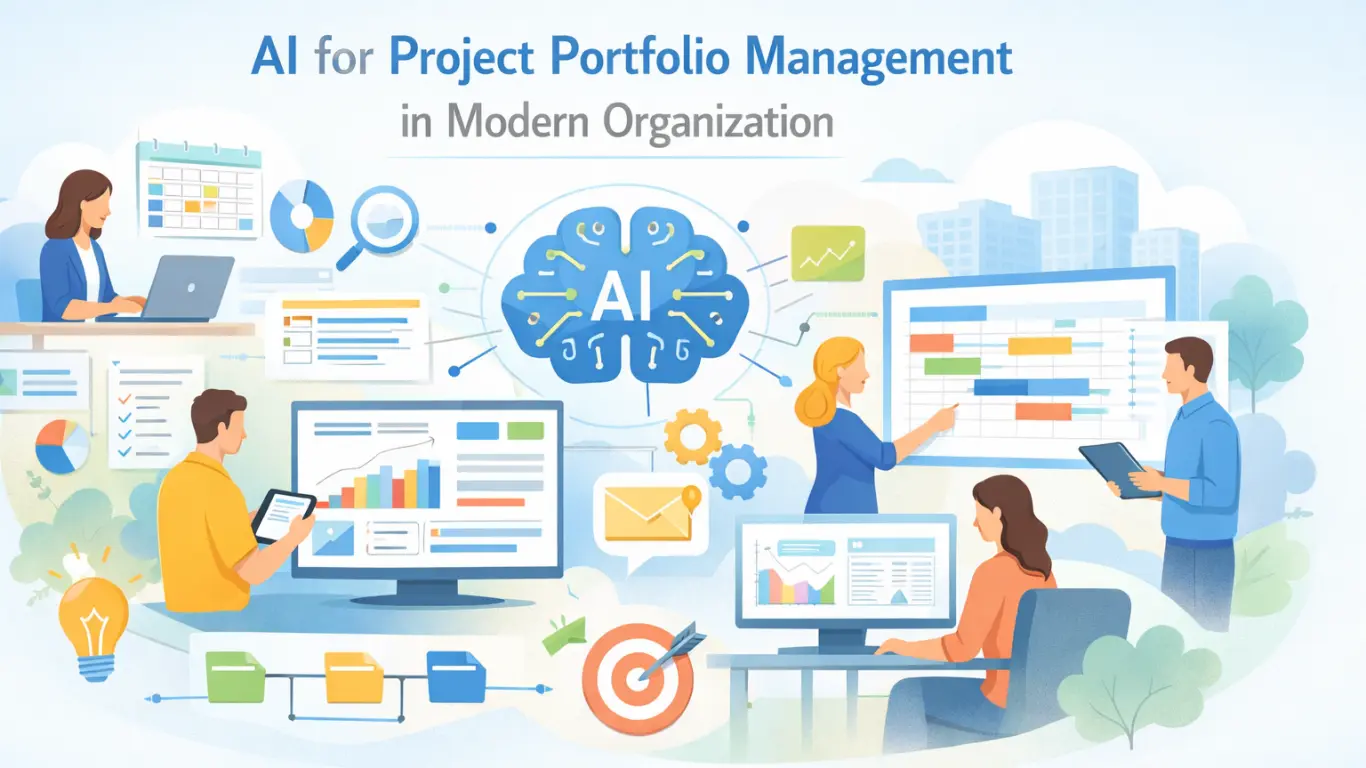
Get our latest free whitepaper to learn more about using AI for Project Portfolio Management in Modern Organizations.


250

100 hours

100K+

EU & US
The people who most need portfolio answers are the least likely to open a portfolio tool. So they ask a person, who opens the tool, exports a view, reformats it, and sends it on.
By the time the answer arrives it is a day old and living in a slide. MCP removes the relay.
“Which projects are at risk?” becomes a chain of asks, exports and reformatting before anyone answers it.
A portfolio is only as useful as the people who look at it. Most executives will not, and no amount of licensing changes that.
Once data leaves the system as a paste, it stops being true. Every deck becomes a fork of the portfolio.
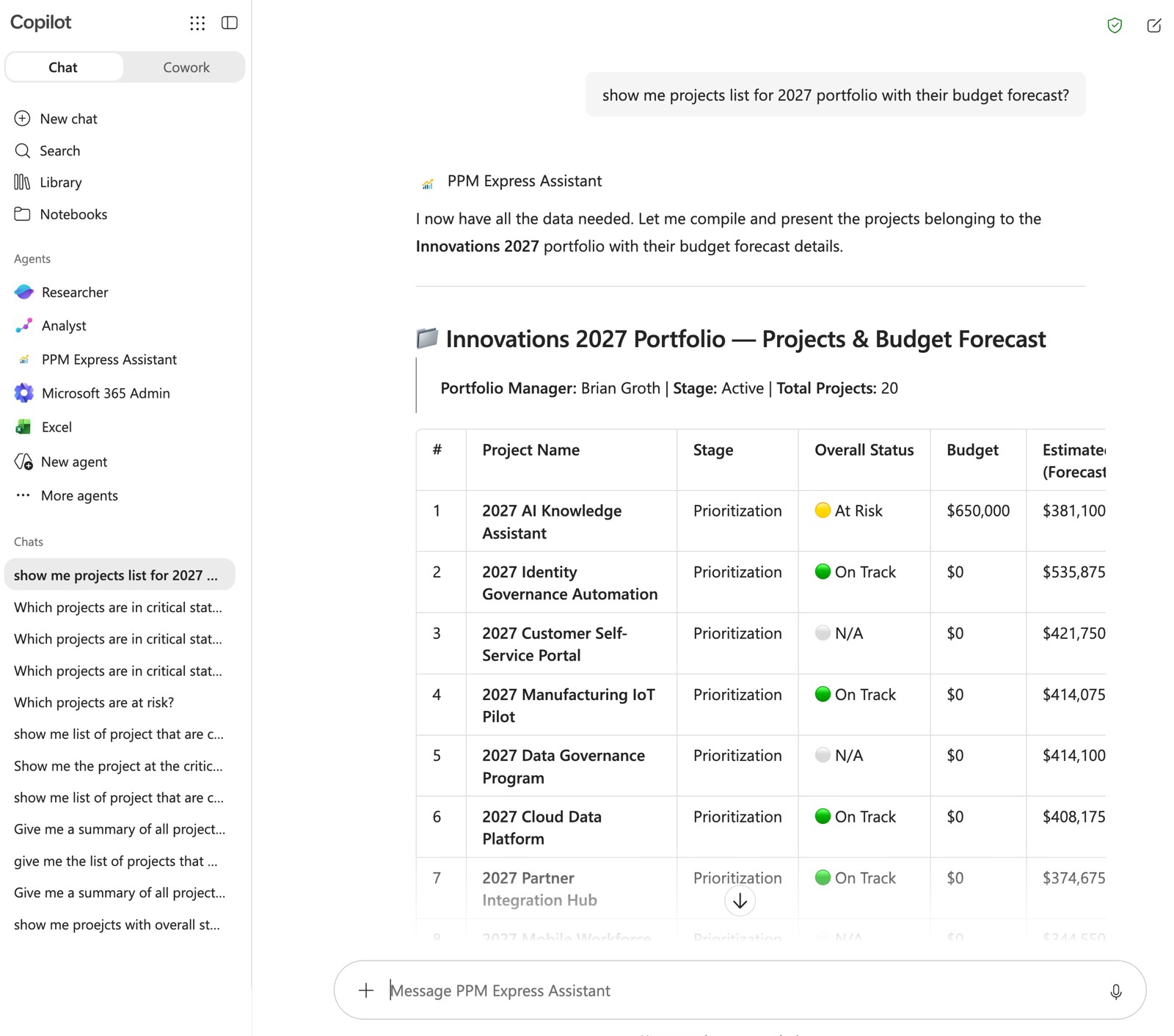
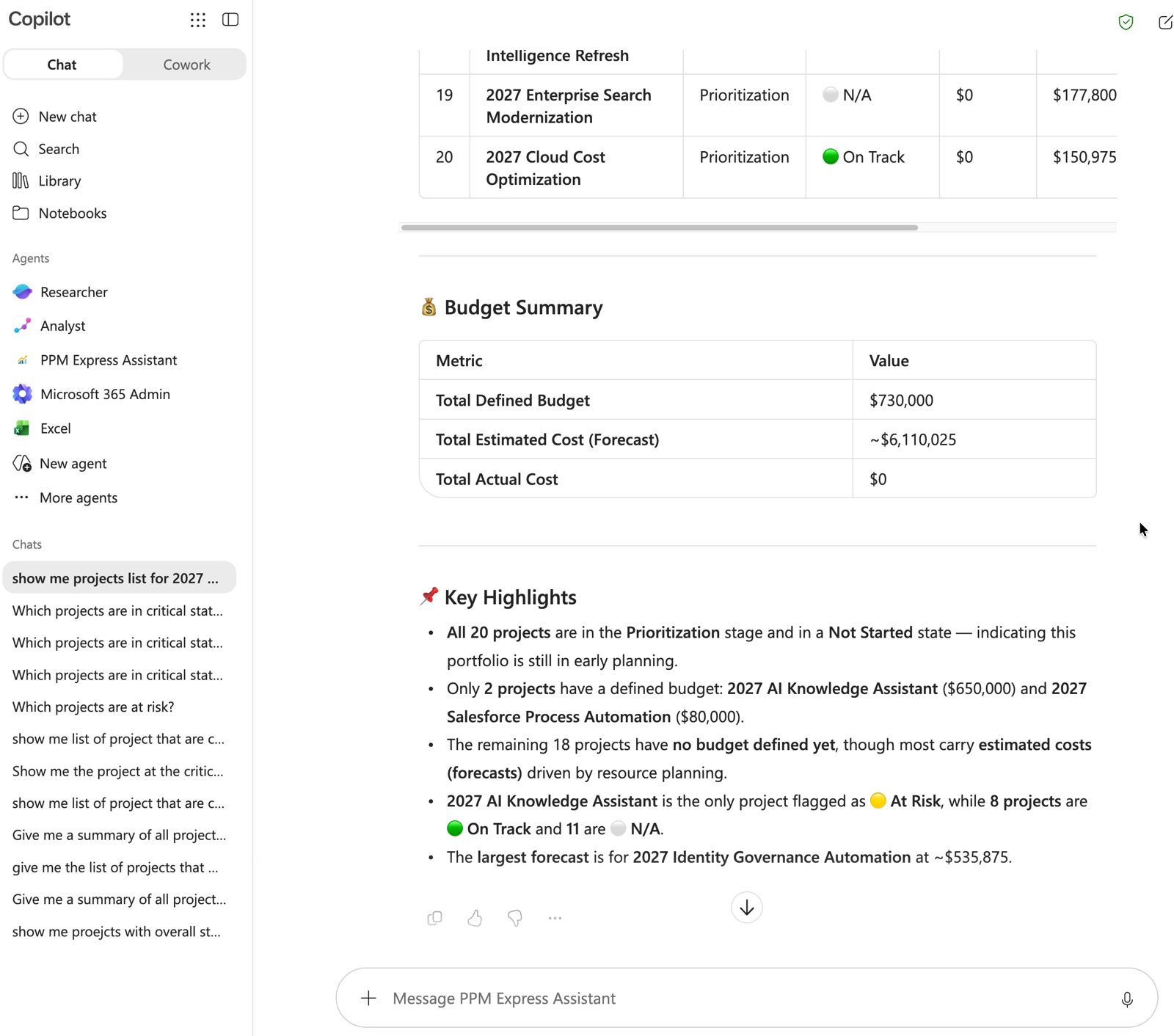
Executives have never adopted portfolio tools, and another licence was never going to change that. What has changed is where they now spend the day: inside an AI harness — Copilot in Teams, Claude, ChatGPT — drafting, summarising and asking.
That harness can hold the portfolio. This is the shift worth planning for now, while it is still a choice: leadership stops consuming governance through dashboards somebody maintains, and starts asking the portfolio directly.
The harness is the tool executives actually have open. Board prep, a steering committee paper, a question between two meetings.
A dashboard answers the question somebody anticipated last quarter. A conversation answers the one being asked now.
The hours currently spent assembling answers for other people return to governance, prioritisation and capacity.
MCP — the Model Context Protocol — is the open standard for connecting an AI client to a system of record. Instead of pasting an extract into a chat window and hoping the model reads it correctly, the client queries the source.
PPM Express publishes a single MCP server that covers the whole platform. One connection and everything your teams already track is reachable — no per-module wiring to maintain and nothing left behind when a question crosses from delivery into capacity or cost. Available on Ultra and PPM AI.
Portfolio and program governance, and the project record underneath it: key dates, decisions, risks, issues, deliverables and dependencies.
Tasks, iterations and action items, plus timesheets and time reporting — so what was planned and what was actually spent resolve against the same record.
Resource capacity and allocation, plus ideas and challenges, including creating and updating them — so intake and the capacity to deliver it sit in the same conversation.
You do not adopt a new interface. The portfolio shows up in the one your people already have open, and the licence you already pay for keeps doing the work.
Same server, same sign-in, same permissions, whichever client you point at it.
The PPM Express Copilot Assistant, deployed as a Copilot Studio solution and published to your Teams channels. Portfolio answers where your executives already work.
Connect the server to Claude and work through the portfolio conversationally, with the analysis and drafting the client is already good at.
Connect the MCP server to ChatGPT and query the same live portfolio data from the client your teams already use.
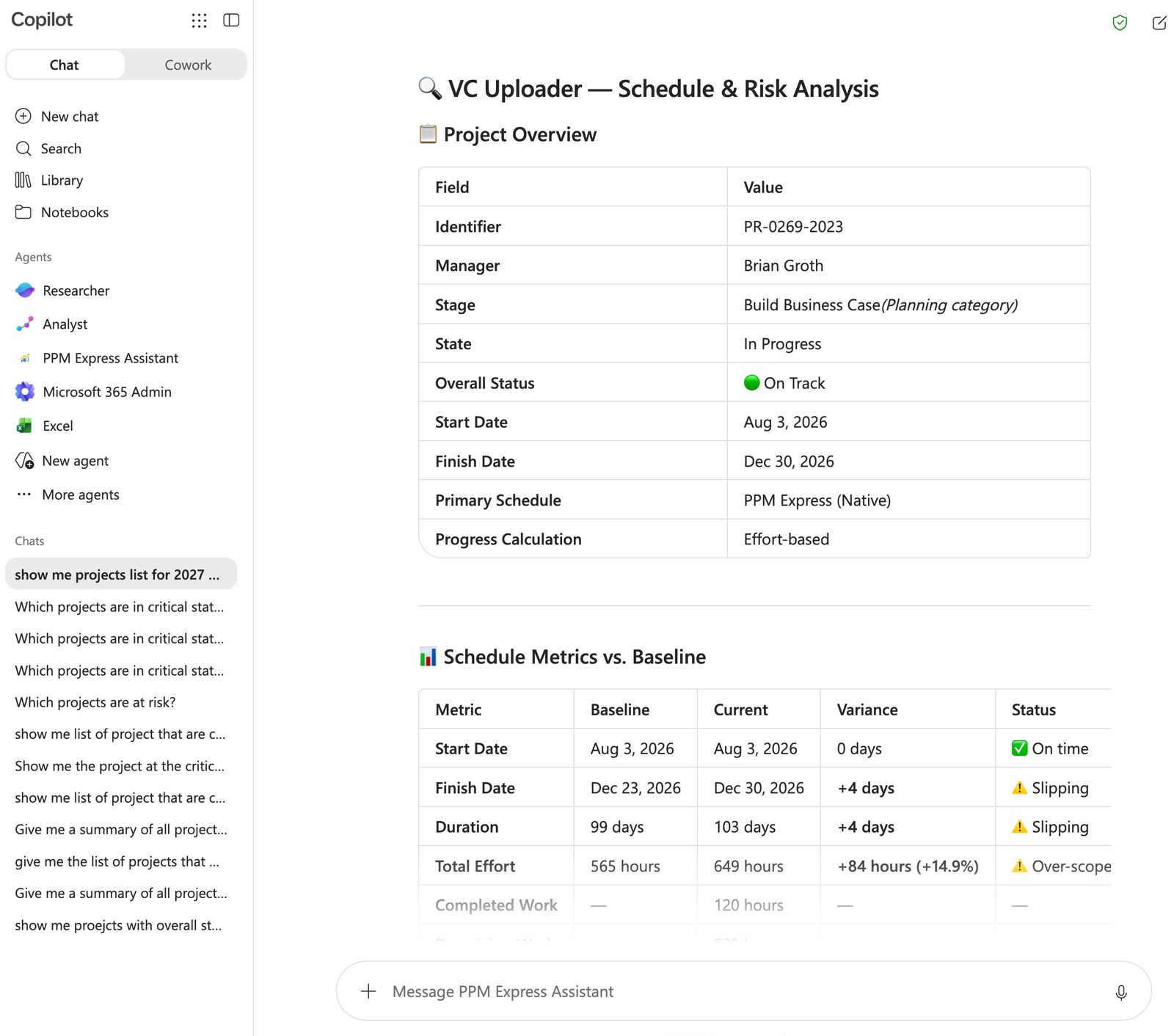
Your PMO already agreed a status report format. Stakeholders know where to look on it, and changing it costs more goodwill than it saves. So keep it.
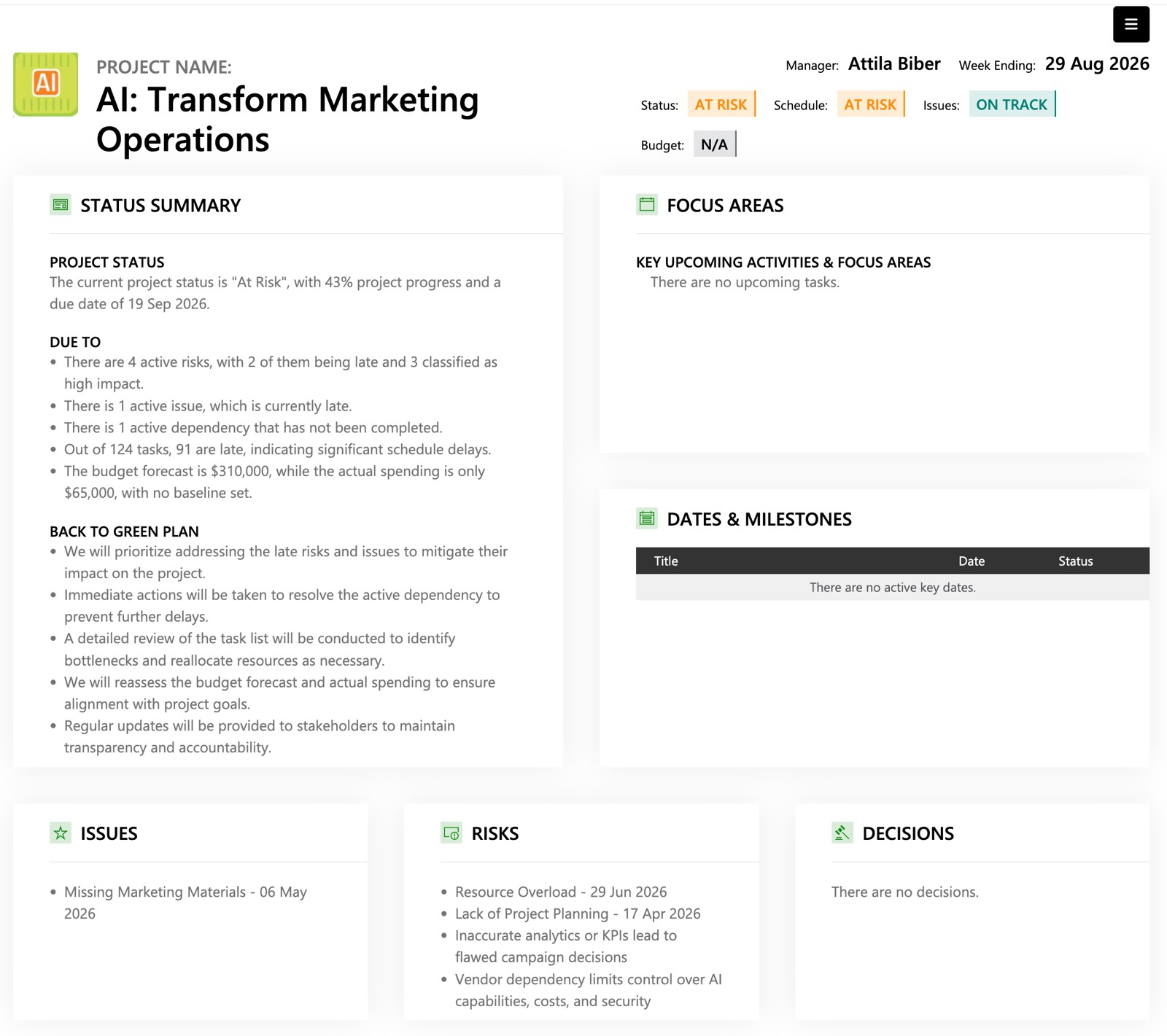
Point your AI client at the template and at the portfolio over MCP, and it fills the sections from the current project record — schedule, milestones, risks, financials — instead of a project manager assembling them by hand. You read the draft, correct what the data could not know, and send it.
The layout your stakeholders already read. No new report format to socialise, no migration, no retraining.
The client pulls the current record over MCP rather than working from an extract someone exported last Tuesday.
A draft stays a draft. The judgement that makes the report worth reading is still the project manager’s.
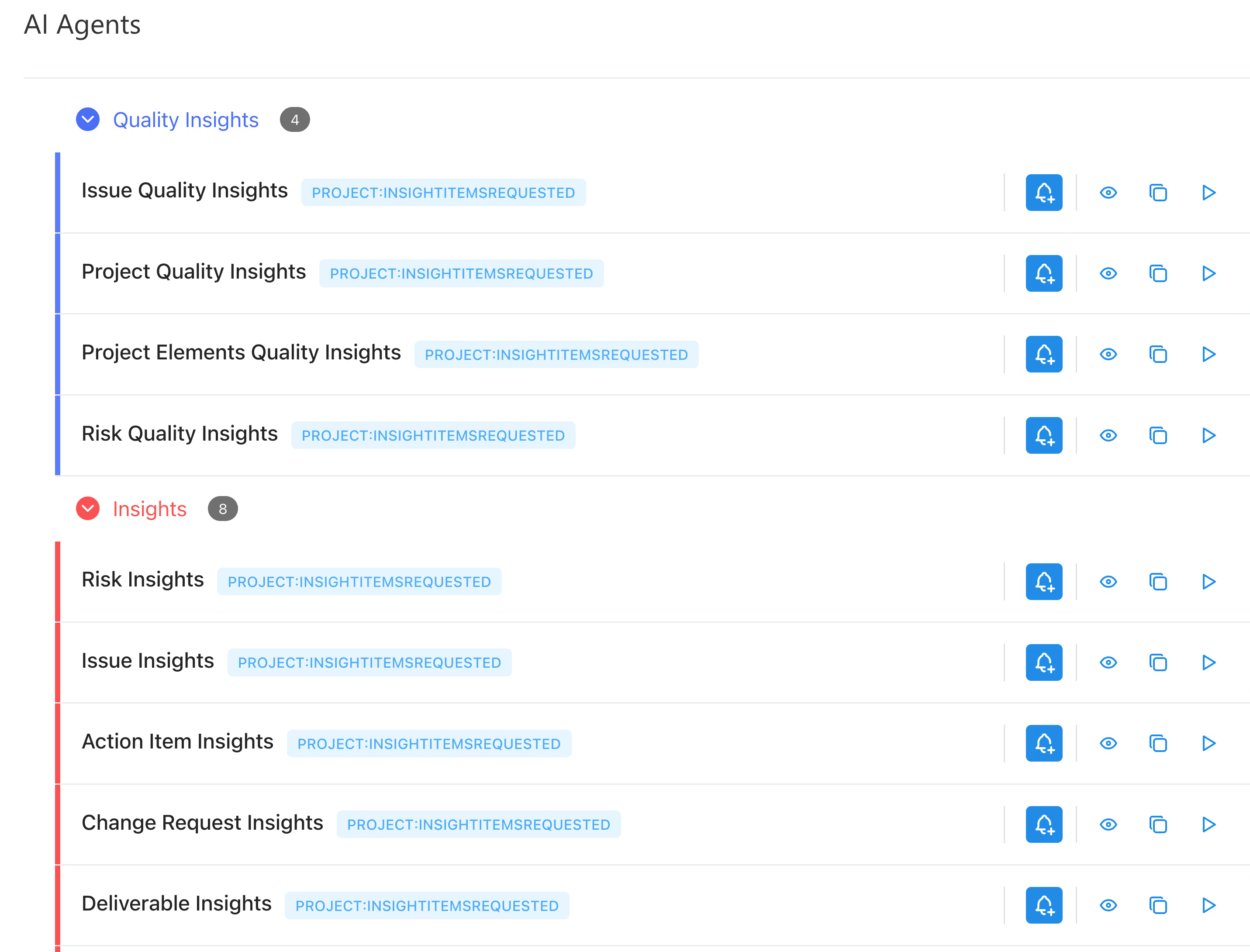
Not demo questions. The ones that currently arrive as a message to a PMO analyst on a Thursday afternoon.
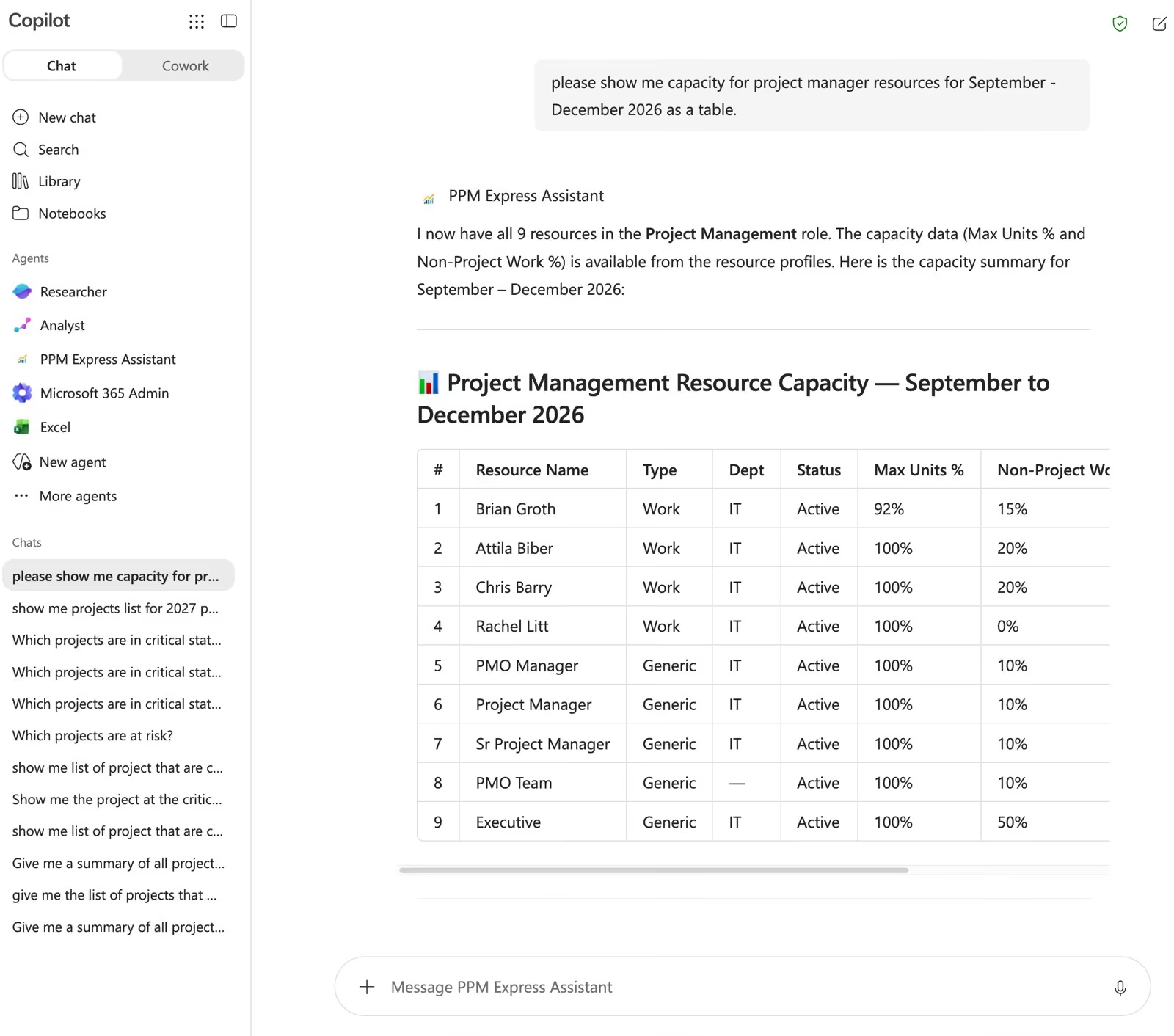
Instead of: open the LLM client, find the resource planner, cross-reference the timeline, check with a colleague in Teams. They ask: “Do we have capacity to bring a new initiative into Q3 without moving anything already committed?”
Which projects are off track this week, what changed since the last review, and which risks have gone active without anyone raising them.
Whether a new initiative fits, who is already overallocated, and what would have to move to make room for it.
What has been submitted against a challenge, how it scores, and logging a new idea without opening the tool to do it. Or simply submit new project request.
There is no separate identity system to stand up and no shared secret to circulate. The connection authenticates over OAuth, so people reach the portfolio as themselves and see exactly what their PPM Express permissions already allow.
Issue it narrowly. Revoke it and the connection stops the same minute.
People authorise the connection over OAuth and reach the portfolio as themselves. Permissions come from their PPM Express account, and access ends when it does.
Imported by an administrator as a Copilot Studio solution, then published to your Teams channels. It is not distributed through AppSource.
Microsoft Copilot enabled, a Microsoft 365 Copilot licence, and Power Platform System Administrator or System Customizer rights.
Worth knowing before you connect it rather than after. These are the current boundaries, stated plainly.
We would rather you find them here than in a pilot review.
The server does not delete. Records can be read, and ideas created or updated. Nothing is removed from your portfolio through a chat window.
My Tasks data and Resource Utilization analysis are not supported through the assistant.
AI responses can be inaccurate or incomplete. Anything carrying a decision gets checked against the record.

This is the part worth reading twice, because it is where MCP differs from bolting a chatbot onto a product.
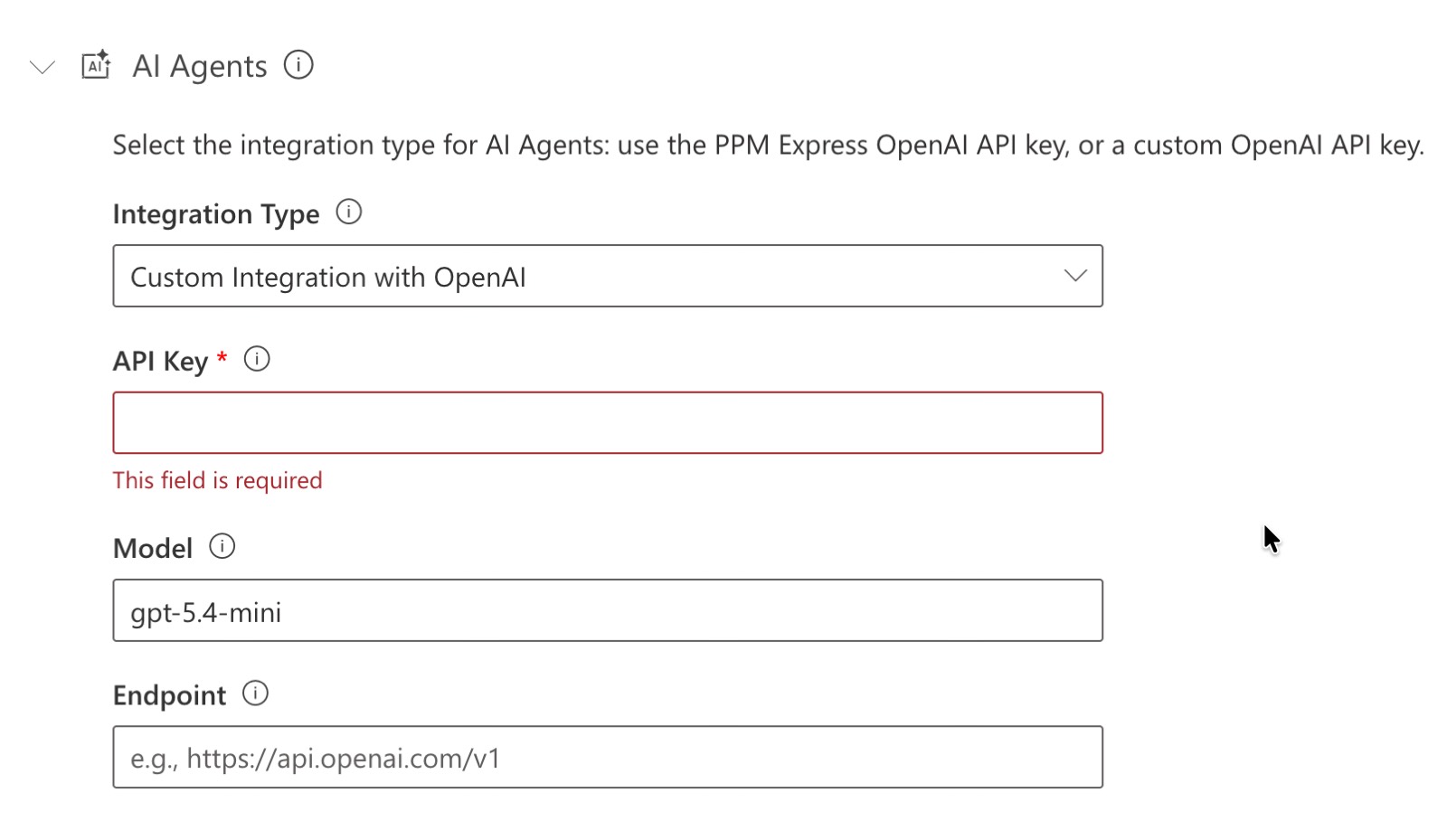
Over MCP the language model is whichever client you connect. PPM Express is the system of record answering the call, not the model provider. The model terms that apply are the ones you already hold with Microsoft, Anthropic or OpenAI — the agreement your security team has already reviewed.
Your client runs the model. PPM Express serves the portfolio data it asks for, within the permissions of the person who signed in.
Access is bounded by the permissions the user already holds in PPM Express. Nobody sees more through a chat window than they would see in the product.
No separate AI platform, no warehouse copy of your portfolio, no export pipeline to keep alive.
No rollout programme. An administrator connects the server, people sign in as themselves, and the change shows up in behaviour rather than in a training plan.
The measure of success is boring: fewer requests reaching the PMO inbox, and fewer answers living in slides.
The server is connected and a first question gets a real answer, from live data, in the client your team already had open.
Status reports start coming back filled against your own template, with project managers reviewing rather than assembling.
Executives who were never going to log into a PPM tool are asking the portfolio directly, and the PMO stops being a lookup service.


Which model runs it, what data leaves your tenant, which plan it is in, and where the limits are.
MCP — the Model Context Protocol — is an open standard for connecting an AI client to a system of record. Instead of pasting a portfolio extract into a chat window and hoping the model reads it correctly, the client queries PPM Express directly. We publish a single server covering the whole portfolio: projects, portfolios, programs, resources, tasks, timesheets and ideation.
Microsoft 365 Copilot, Claude and ChatGPT. The same server and the same permissions apply whichever client you point at it.
Whichever model your client runs. Over MCP, PPM Express is the system of record answering the call, not the model provider — so the model terms that apply are the ones you already hold with Microsoft, Anthropic or OpenAI, and that your security team has already reviewed.
Over OAuth. People authorise the connection and reach the portfolio as themselves, with the permissions their PPM Express account already carries. Revoke the authorisation and the connection stops.
The MCP server and the Microsoft 365 Copilot assistant are available on Ultra and PPM AI.
Portfolios, programs and projects with their key dates, decisions, risks, issues, deliverables and dependencies. Tasks, iterations and action items. Timesheets and time reporting. Resource capacity and allocation. Ideas and challenges can be retrieved, created and updated.
Deletion is not supported through the server. My Tasks data and Resource Utilization analysis are out of scope today. And as with any AI-based system, responses can occasionally be inaccurate or incomplete — validate anything that carries a decision.
No. The client reads the live portfolio through the server, so there is no warehouse copy, no export pipeline and no second version of the truth to reconcile.
Yes. Point the client at your existing status report template and at the portfolio over MCP, and it fills the sections from the current project record rather than from an exported extract. The project manager reviews and approves the draft before it goes out.
As a Copilot Studio solution, imported by an administrator and published to your Teams channels. It needs a Microsoft 365 Copilot licence and Power Platform System Administrator or System Customizer rights. It is not distributed through AppSource.

Test the portfolio against capacity before you commit.
Product


Portfolio dashboards and Power BI datasets built from live delivery data.
Product

Every project, person and dollar in one live view.
Integrations
Last updated 20 August 2026
.svg)


