
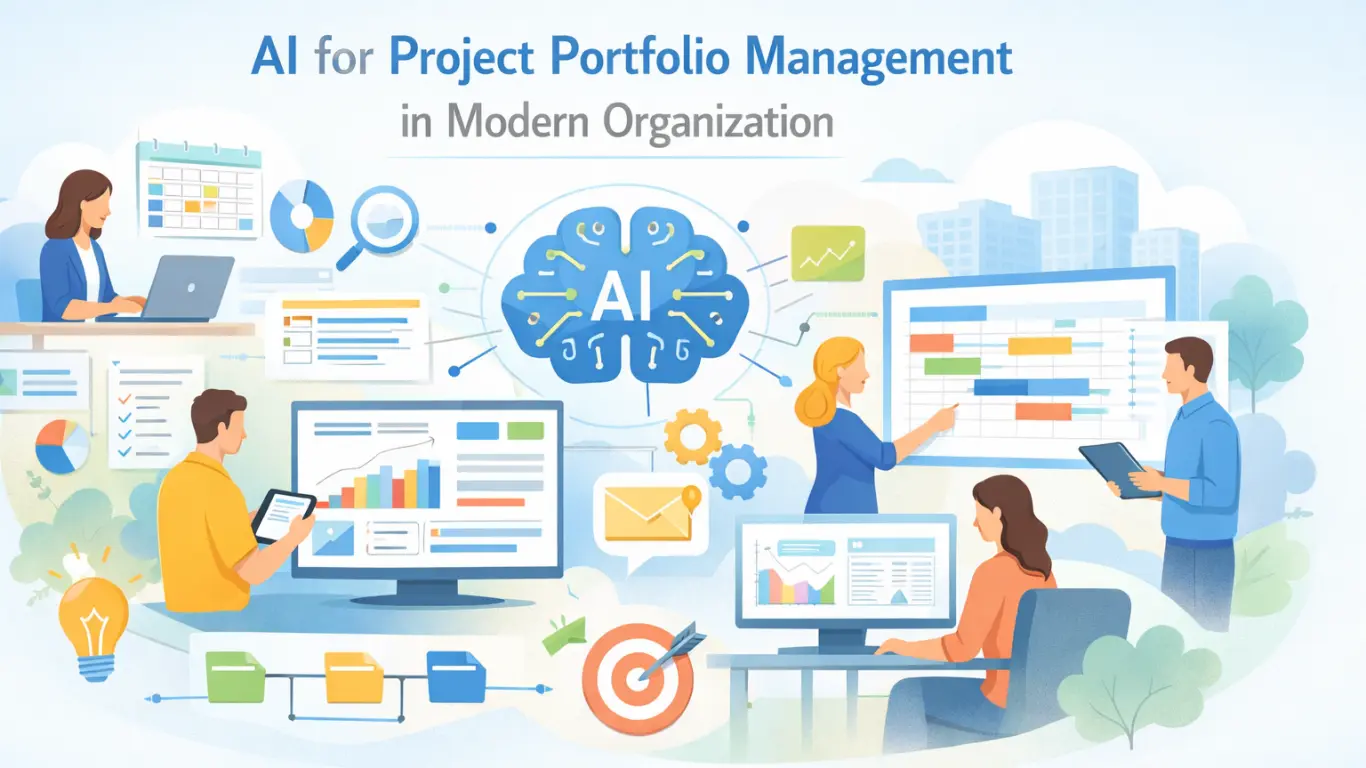
Get our latest free whitepaper to learn more about using AI for Project Portfolio Management in Modern Organizations.


250

100 hours

100K+

EU & US
You are accountable for what the portfolio reports. That does not change because a model wrote the first draft.
Your security team, your PMO and your steering committee all end up asking the same question: what data went where, and who checked it before it went out.
A summary appears. Nobody can say which fields it read or when. So the PM rewrites it by hand anyway, and the time saving evaporates.
Security asks what processes project data, and where it goes. Vague answers put the pilot in a queue for a quarter.
The date moved three weeks before anyone raised it. The evidence was in the data the whole time. Nothing was watching it.
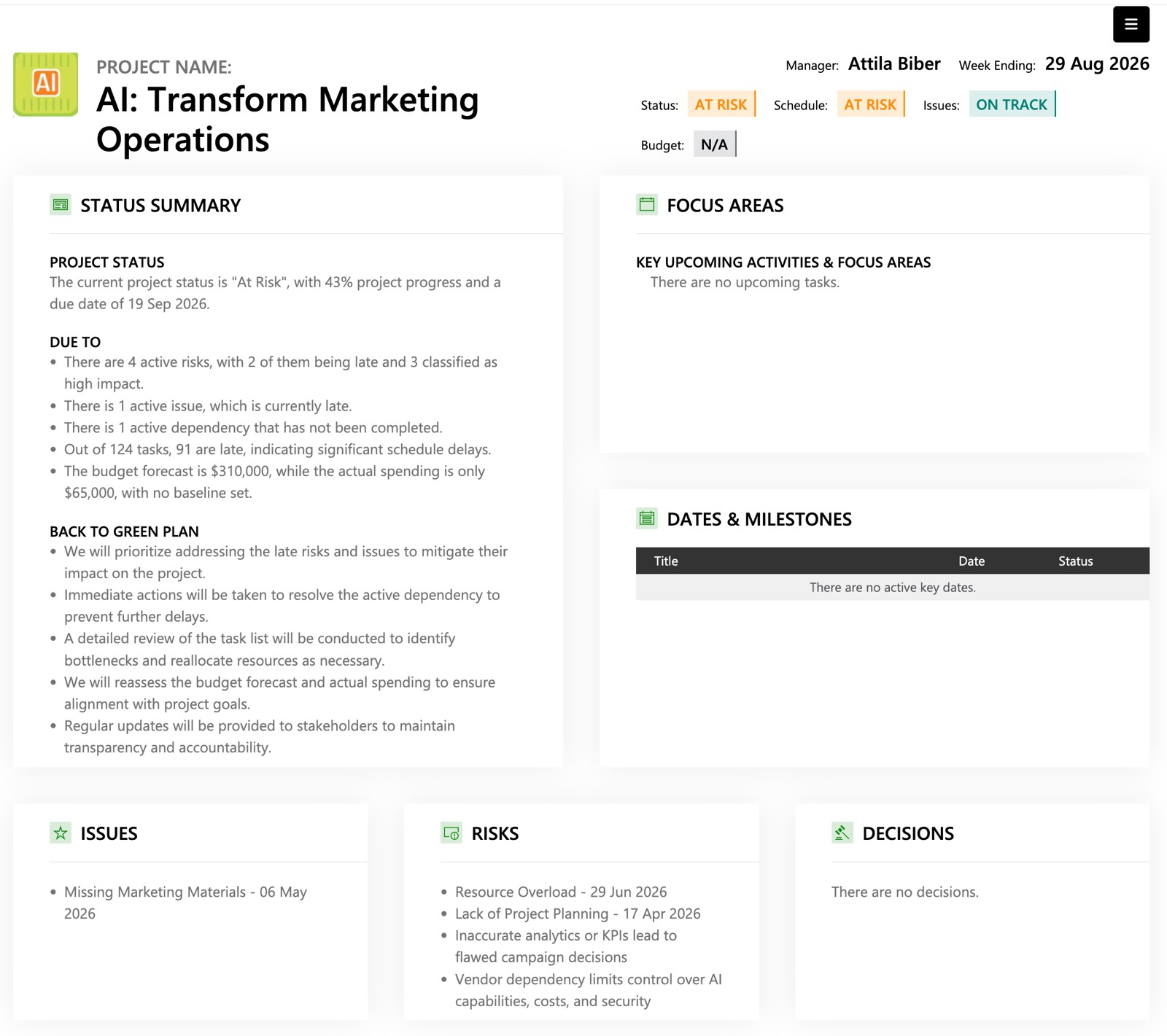
PPM Express publishes a single MCP server covering the whole portfolio — projects, portfolios, programs, resources, tasks, timesheets and ideation. Connect it to Microsoft 365 Copilot, Claude or ChatGPT, and the portfolio answers in the window your team is already working in. Available on Ultra and PPM AI.
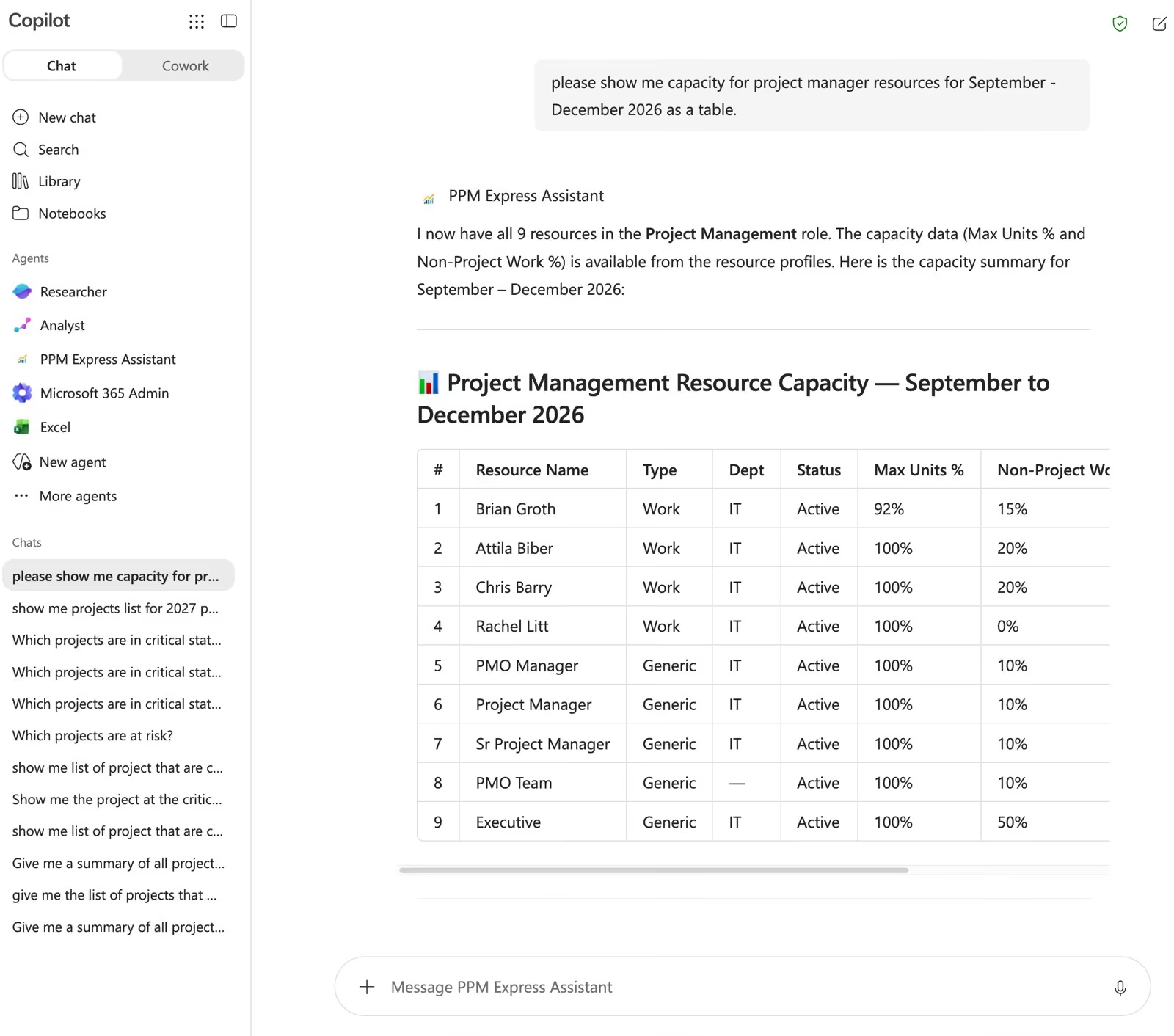
Instead of: open the tool, find the resource planner, cross-reference the timeline, ask a colleague in Teams. They ask: “Do we have capacity to bring a new initiative into Q3 without moving anything already committed?”
Ideas and challenges. Portfolios. Programs. Projects. Resources, timesheets and time reporting.
Microsoft 365 Copilot, Claude or ChatGPT. People sign in over OAuth and see what their PPM Express permissions already allow.
No deletion through the server. My Tasks and Resource Utilization analysis are out of scope. The person asking stays responsible for what they act on.
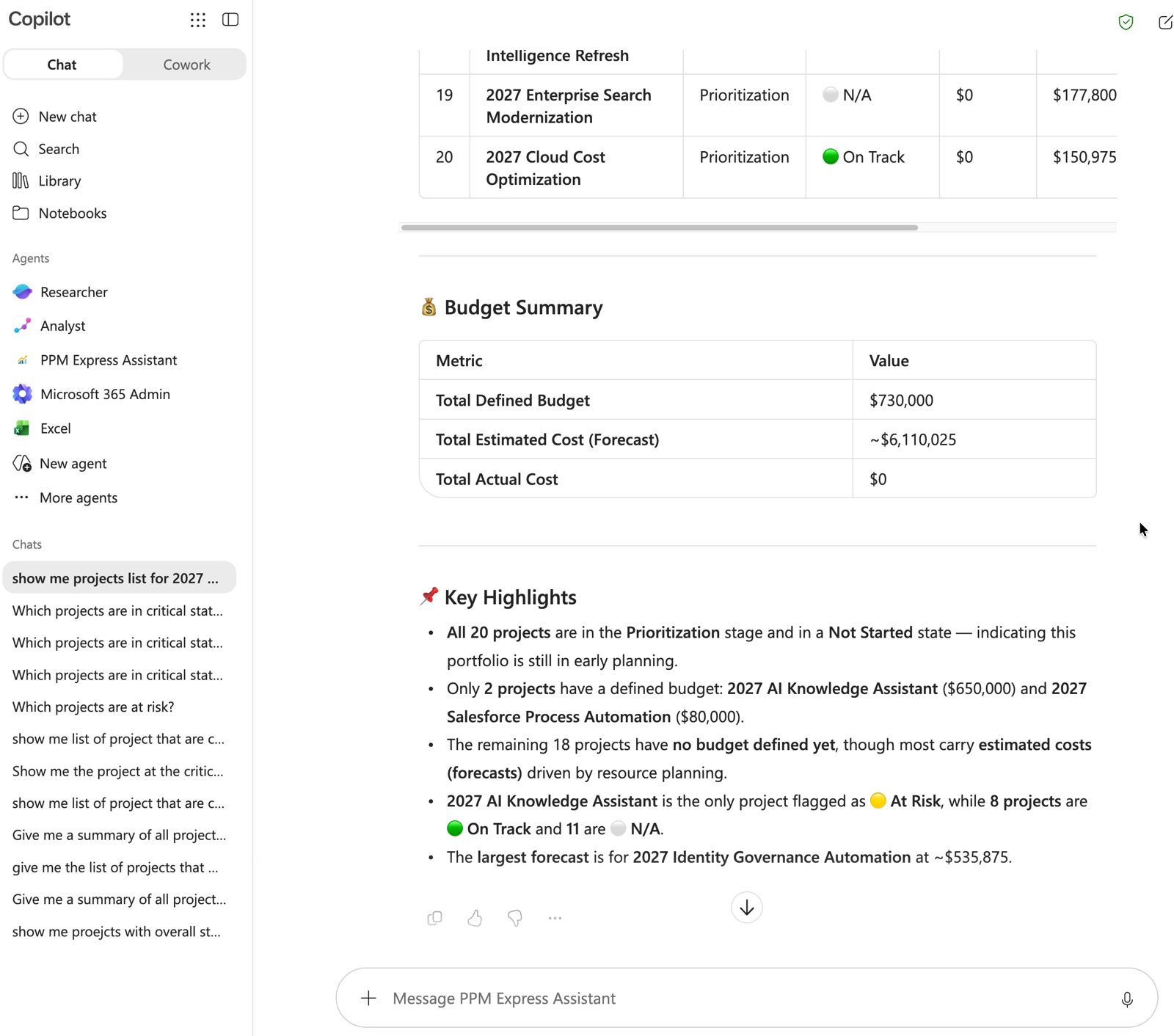
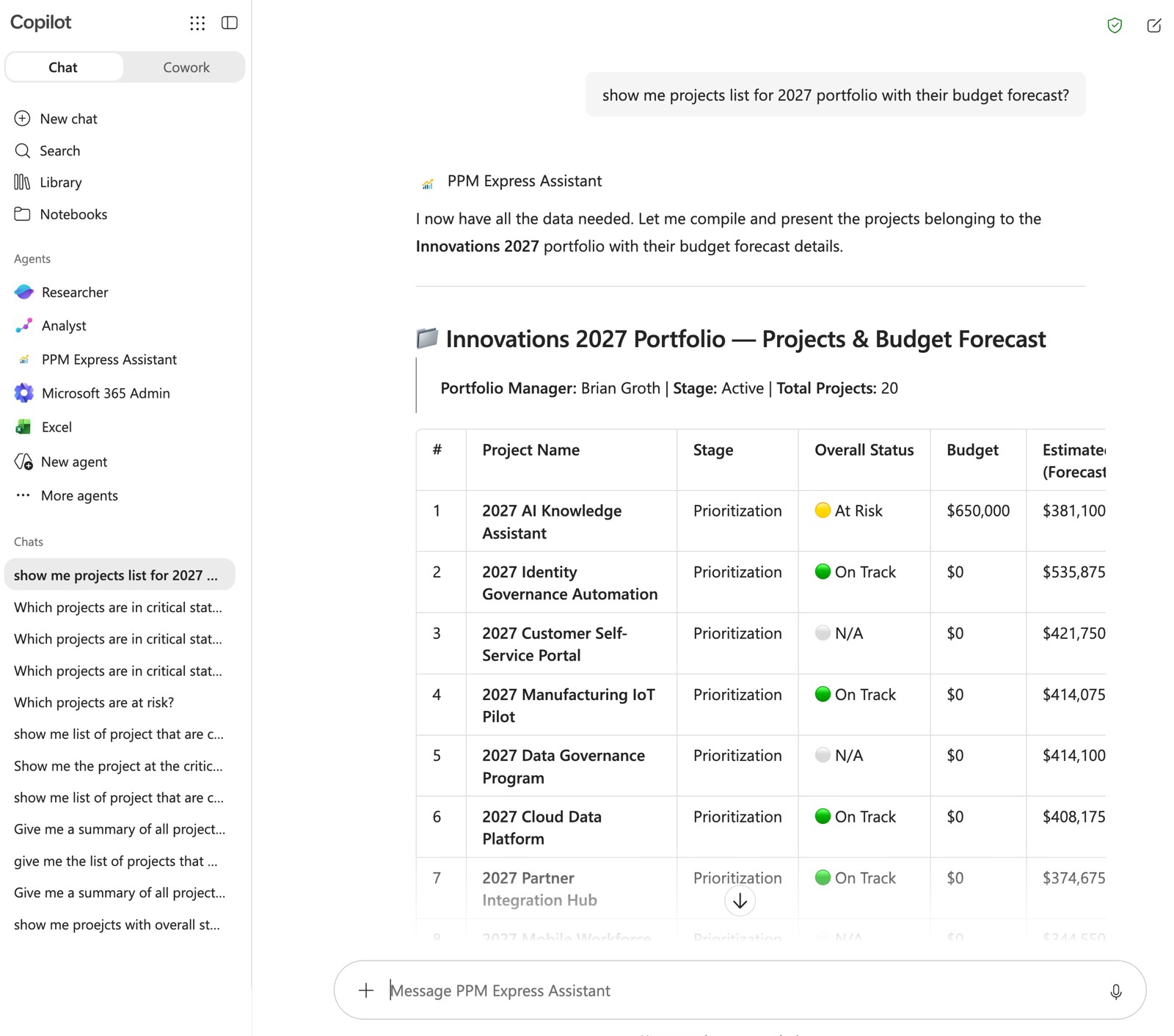
The PPM Express Copilot Assistant puts the portfolio where your organization already asks its questions. Executives who will never open a PPM tool get portfolio answers in Teams.
Available on Ultra and PPM AI.
Projects with tasks, issues, deliverables, dependencies, iterations, key dates, decisions, risks and action items. Portfolios and programs with the same governance objects. Ideas can be retrieved, created and updated.
Which projects are at risk this week. Draft a summary for the steering committee. Log this idea against the current challenge.
A Microsoft 365 Copilot licence and Power Platform administrator rights. Deployed as a Copilot Studio solution and published to your Teams channels.
No data science team. No separate AI platform to buy.
The AI runs on the portfolio you already have connected, and a person signs off on anything that leaves.
Jira, Azure DevOps, Planner, Project, Smartsheet and the rest. The AI reads the live portfolio, not a stale export.
Generation fires when someone clicks Generate, or when a connected project synchronises. Never in the background.
Microsoft 365 Copilot, Claude or ChatGPT, connected over MCP to the portfolio itself.
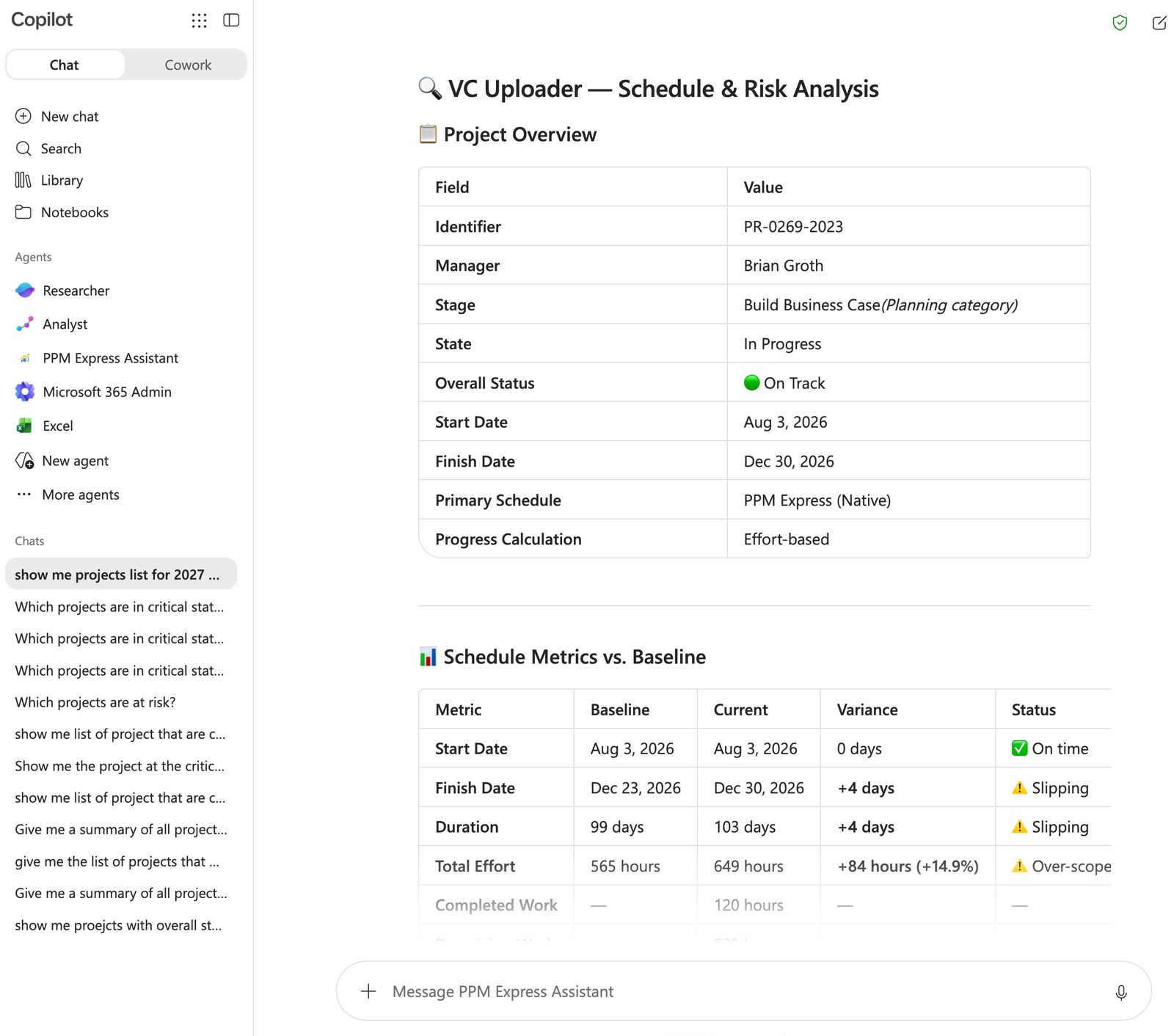
Project Story reads the live project — schedule, risks, milestones, financials — and drafts the summary a stakeholder actually reads. The PM reviews and maybe edits rather than writes.
The report goes out on a schedule as a PDF, to as many recipients as you like, in a layout you choose.
Two hours a week per project manager goes into assembling reports and hunting for the data that goes in them. Across fifty weeks that is about a hundred hours a year, per PM, spent on the assembly rather than the judgement.
A configurable single- or multi-page report, distributed on schedule, styled to your standard.
Reads the draft, corrects what the data could not know, approves. The judgement stays human.
On Regenerate, on scheduled distribution, or daily for active projects. Enabled by default on new tenants.
PPM Express watches your portfolio for the things that do not need a model to detect. A milestone is either past its baseline or it is not. A resource is either overallocated or not. Budget is either overrun or it is not.
These are rules. They are deterministic, auditable, and they give the same answer twice. We do not ask a model to guess at arithmetic your PMO will be held to — and we do not call the result AI when it is not.
Overdue milestones, milestones slipped against baseline, this week’s milestones, overdue and slipped tasks.
Effort against completed work, story points against completed points, budget overrun, overallocated resources.
Not-on-track status across schedule, cost, risks, issues and resources. Active risks, issues and change requests. Failed syncs.

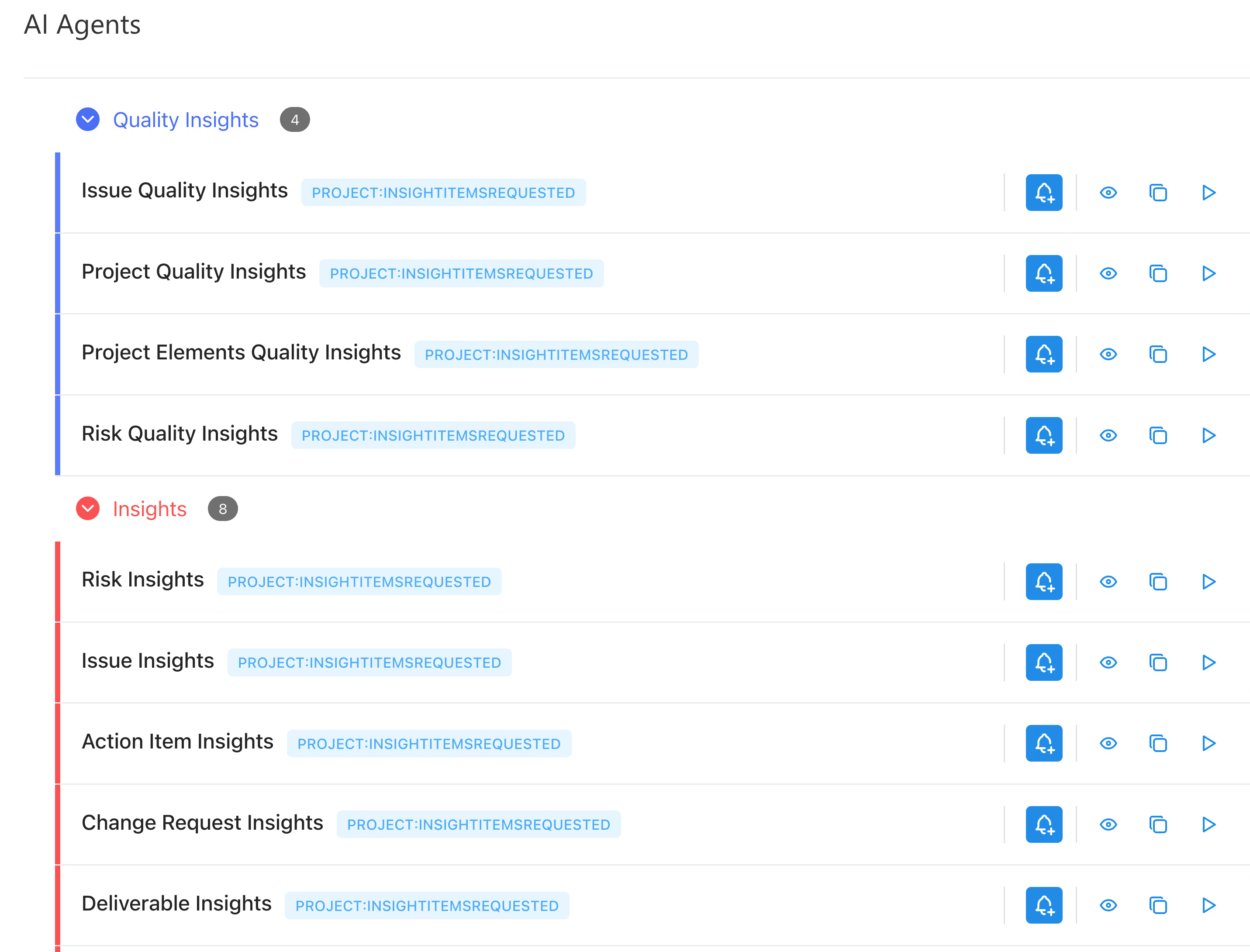
An agent monitors schedules, budgets, risks and resource allocation continuously, and proposes the correction: a risk logged, an action item raised, a change to an estimate or a date. It aggregates across projects rather than one at a time.
You approve or reject every proposed action. Nothing executes because a model decided it should. Available on the PPM AI plan.
Schedules, budgets, risks and resource allocation, across the portfolio rather than project by project.
New issues and risks, action items, suggested schedule changes and estimates, and summaries for stakeholders.
You do. Every action is a proposal until a project manager approves it.
Generate a schedule from a description and PPM Express proposes the tasks — sequenced finish-to-start, respecting your calendar exceptions, weekends and holidays. Then you review the list and deselect anything you do not want before a single task is created.
The same shape holds for generated risks, project digests and agent proposals. The AI does the typing. The commitment is still yours.
Proposed, reviewed, deselected, then created. Never written straight into the plan.
Drafted from project data for a PM to accept, edit or discard.
AI responses can be inaccurate or incomplete. Validate anything that carries a decision.
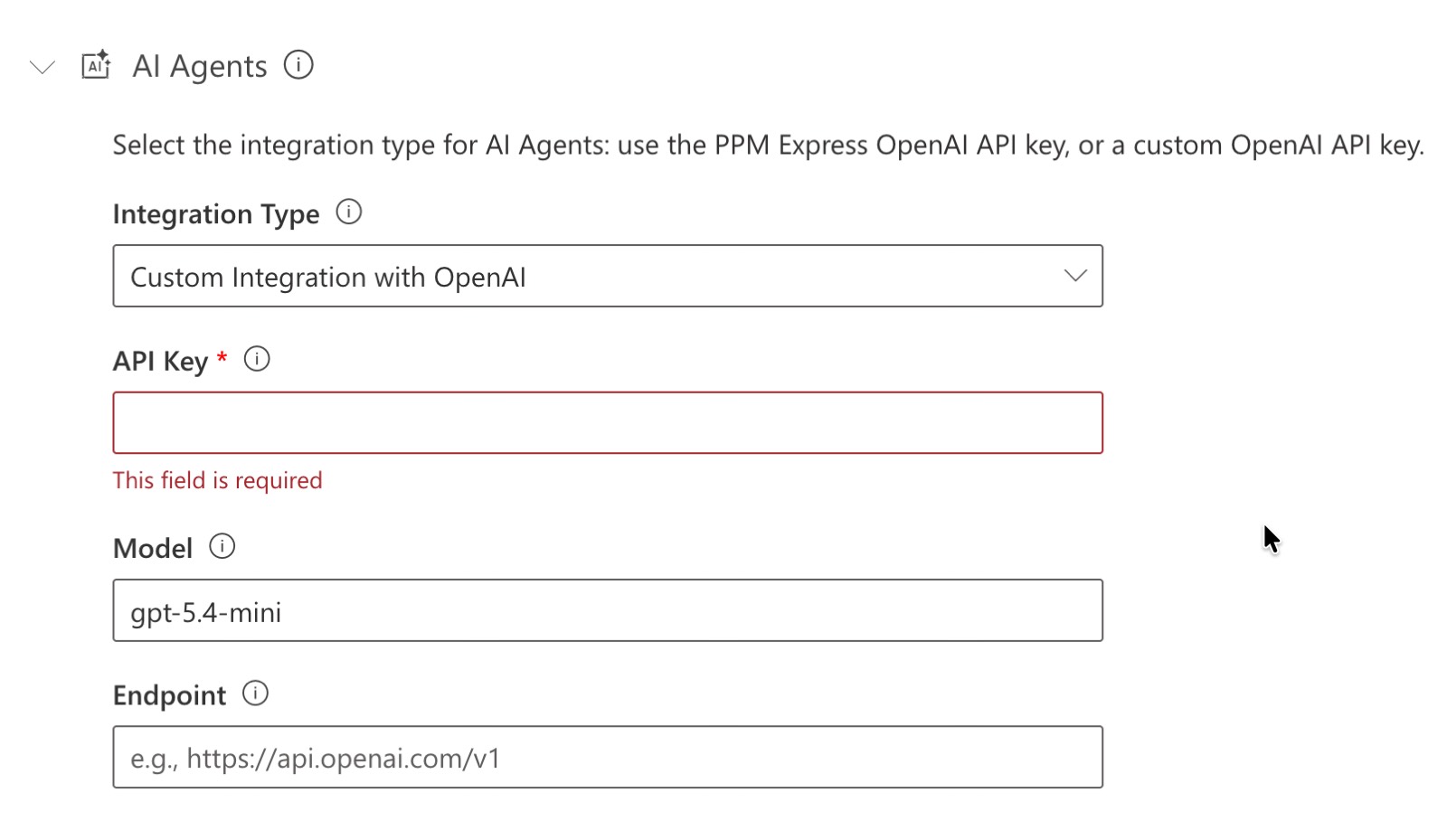
Generated content runs on OpenAI’s models through the OpenAI API. You can supply your own OpenAI key, or point PPM Express at your own Azure OpenAI deployment, and keep the traffic inside your own agreement.
We publish the data path rather than saying “powered by AI”, because when a security review asks what happens to your project data, “AI” is not an answer. Here is the whole path.
Only when someone clicks Generate or Regenerate, or when a connected project synchronises. Nothing is streamed continuously and nothing is sent while you work.
Project fields and sections, the prompt, and an identifier. Names, contact details and other personal identifiers are not included.
Not used to train or improve the models. Retained for abuse monitoring for at most 30 days. OpenAI acts as a subprocessor and is located in the United States.


Which model runs it, what data leaves your tenant, which plan it is in, and where the limits are.
PPM Express Insights AI runs on OpenAI's models through the OpenAI API. You can supply your own OpenAI API key, or connect your own Azure OpenAI deployment, so the traffic stays inside your agreement. We publish the whole data path — what is sent, when, what is in it, and how long it is kept — rather than saying "powered by AI", because when a security review asks what happens to your project data, "AI" is not an answer.
Only when someone clicks Generate or Regenerate, or when a project connected to an external system synchronises, either manually or on a schedule. Nothing is streamed continuously and nothing is sent in the background while you work.
No. What is sent is the non-PII project fields or sections you generate against, plus the prompt. Names, contact details and other personal identifiers are not included in the payload.
Yes. AI generation is triggered by a user action rather than running automatically, so a team that does not use it never sends anything. If your policy requires the capability disabled outright rather than simply unused, contact us and we will confirm the current options for your tenant.
Insights AI and AI status reports are available across plans. The MCP server and the Microsoft 365 Copilot assistant are available on Ultra and PPM AI. AI Agents are available on the PPM AI plan.
It is genuinely good at the reading: summarising status across many projects, surfacing risks buried in updates, drafting a status report from the underlying data, and flagging where numbers disagree. It does not decide which projects to fund, negotiate a scope cut, or tell you which of two teams is really blocked. Treat it as the analyst who prepares the pack, not the person who chairs the meeting.
No, and we would not sell it that way. AI removes the assembly work — pulling data together, writing the first draft, spotting the outlier. The judgement calls that make a project manager worth having are the part it does not touch.
Yes. AI features read the portfolio data PPM Express has already consolidated, so if a project comes from Jira, Azure DevOps, Planner, Microsoft Project, Smartsheet or monday.com, it is covered like any other. There is nothing extra to connect for AI specifically.
PPM Express publishes a single MCP server covering the whole portfolio — projects, portfolios, programs, resources, tasks, timesheets and ideation. It connects to Microsoft 365 Copilot, Claude or ChatGPT. Available on Ultra and PPM AI.
As a Copilot Studio solution, imported by an administrator and published to your Teams channels. It needs a Microsoft 365 Copilot licence and Power Platform System Administrator or System Customizer rights. It is not distributed through AppSource.

Test the portfolio against capacity before you commit.
Product


Portfolio dashboards and Power BI datasets built from live delivery data.
Product

Every project, person and dollar in one live view.
Integrations
Last updated 20 August 2026
.svg)


