
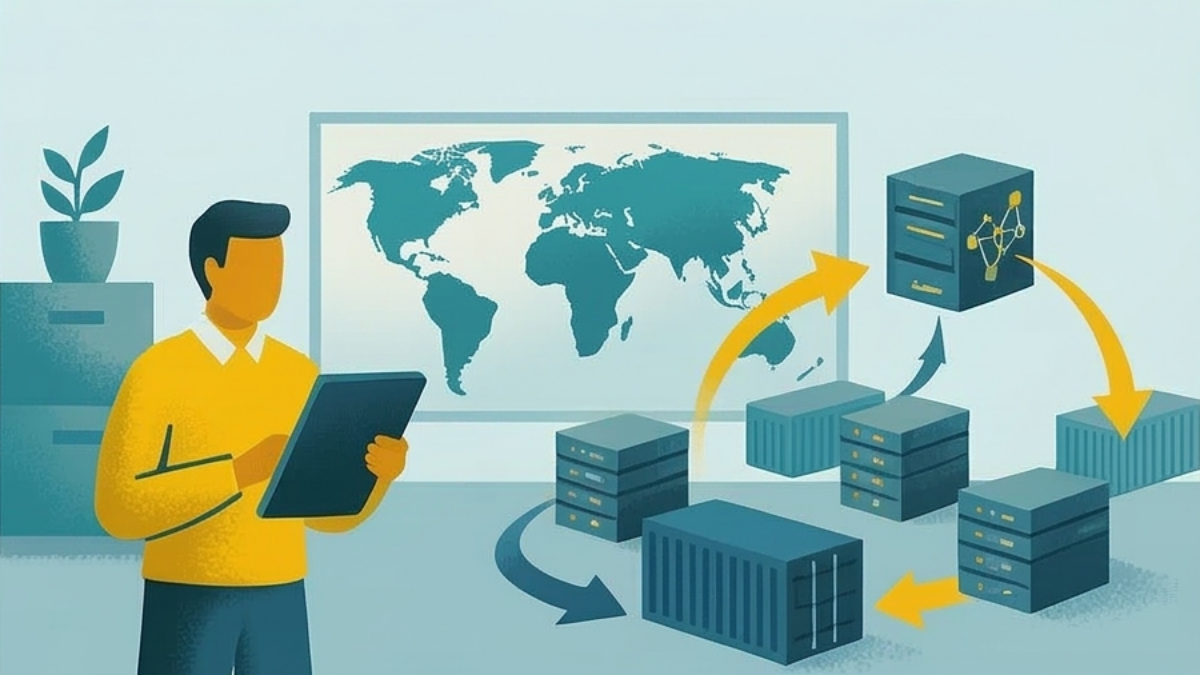

When Microsoft announced that Project Online would retire on September 30, 2026, the first reaction from many IT teams was predictable: let's just move to Project Server Subscription Edition. Same scheduling engine. Same PWA interface. Familiar territory.
I understand that instinct completely. After years of building workflows, training teams, and configuring your Project Web App environment, the idea of staying within the same product family feels like the path of least resistance. And honestly, if you'd asked me this question five years ago, I might have agreed with you.
But it's not five years ago. It's 2026. And the reality of what PSSE actually means for your organization (the infrastructure commitments, the long-term trajectory, and the total cost picture) tells a very different story from what the migration brochures suggest.
(If you haven't already, I'd recommend reading our full Project Online Migration Playbook first: it covers all three landing zones objectively, including PSSE. This article goes deeper on why PSSE specifically may not be the right move for most organizations.)
I want to be upfront: I'm the founder of PPM Express, so I'm not a neutral party here. But I'm also someone who spent the first decade of his career as a Microsoft Gold Partner building FluentPro, implementing Project Server and Project Online for Fortune 500 companies. I know this platform intimately: I've deployed it, customized it, migrated onto it and off of it, and spent years troubleshooting its quirks. That's exactly why I'm writing this.
What PSSE Actually Is (and Isn't)
Let's start with what's genuinely good about Project Server Subscription Edition. It offers the closest feature parity to Project Online of any migration option. The scheduling engine is essentially identical: fixed units, all four dependency types, critical path, earned value, up to 11 baselines, and full Project Desktop compatibility. If your only criterion is "keep every feature exactly as it is," PSSE checks that box better than anything else on the market.
But that's where the good news ends. Because PSSE isn't a cloud service. It's an on-premises deployment that runs on top of SharePoint Server Subscription Edition, which requires Windows Server, SQL Server, and a non-trivial amount of infrastructure to operate. You're not just buying a software license. You're buying back into the entire on-premises stack that your organization has likely spent the last decade migrating away from.
The Infrastructure Reality Nobody Talks About
Here's what the procurement conversation usually looks like: someone pulls up the PSSE licensing page, sees the CAL-based pricing, and thinks, "that's comparable to what we're paying for Project Online." What they're missing is everything else.
A production PSSE deployment requires, at minimum, SharePoint Server Subscription Edition with Enterprise licensing (Standard edition won't work; Microsoft is explicit about this), SQL Server with Analysis Services if you're using the Cube Building Service, Windows Server licenses for every server in the farm, Project Server CALs for every user, and Software Assurance contracts for all of it, because Microsoft doesn't sell perpetual licenses for PSSE: you have to maintain active SA agreements.
Then there's the human cost. Somebody has to manage those servers. Somebody has to apply the cumulative updates that Microsoft releases monthly. Somebody has to monitor SQL performance, manage SharePoint farm health, handle backup and disaster recovery, and troubleshoot the inevitable issues that come with running a multi-tier on-premises application in 2026.
For organizations that already have a large SharePoint farm and dedicated IT staff, this might be a manageable addition. For everyone else, you're looking at $30K-$100K per year in infrastructure and operations costs that simply don't exist with a cloud solution.
Microsoft Has Told You Where Their Investment Is Going
This is the part that concerns me the most, and it's the part that gets the least attention in migration conversations.
Microsoft has been remarkably clear about their strategic direction. Their innovation investment is going into Planner, Microsoft 365 Copilot, and the Project Manager agent. These are the products that are getting new features, new AI capabilities, and engineering resources. Project Server, by contrast, receives what industry analysts describe as "little Microsoft development effort": primarily security fixes, bug fixes, and compatibility updates.
That's not a criticism of the PSSE engineering team. It's a statement about corporate strategy. Microsoft has decided that the future of work management lives in the cloud, built on modern architectures that can support AI and real-time collaboration. Project Server, built on SharePoint's server-side rendering model from the early 2010s, simply doesn't fit that vision.
What this means practically: if you migrate to PSSE today, you're buying a platform that will be maintained but not improved. The feature set you get on day one is, roughly speaking, the feature set you'll have in 2029. Meanwhile, every other platform in the market will be adding AI capabilities, improving their interfaces, and building deeper integrations with the tools your teams actually use.
The Migration Itself Is Harder Than You Think
If you're currently on Project Online, migrating to PSSE isn't a simple lift-and-shift. Despite sharing the same underlying scheduling engine, the migration involves deploying an entirely new SharePoint Server farm (or extending an existing one), performing a database-attach migration to move your Project Server content databases, running upgrade processes via PowerShell, reconfiguring all your PWA sites, and rebuilding any integrations, workflows, and customizations that depend on Project Online's cloud APIs.
There's also a prerequisite trap that catches many organizations: if you're running anything older than Project Server 2016, you can't migrate directly to PSSE. You have to upgrade to 2016 or 2019 first, then migrate again. That's two migrations for the price of one, with all the risk and testing that entails.
For a mid-sized deployment of 100-200 users, realistic migration timelines range from 3-6 months, with consulting costs in the $30K-$100K range depending on complexity. That's not the largest number in the world, but it's not trivial, especially when you add it to the ongoing infrastructure costs you'll be carrying for years afterward.
The Cost Picture Over Three Years
Let me walk through realistic three-year numbers for a 100-user organization migrating from Project Online to PSSE. These aren't worst-case scenarios. They're the costs that organizations actually encounter.
Server and CAL licensing with Software Assurance typically runs $40K-$80K per year, depending on your Enterprise Agreement. Infrastructure costs (the servers, SQL licenses, storage, and bandwidth) add $15K-$30K per year. Migration consulting runs $30K-$100K as a one-time cost. IT administration and ongoing maintenance adds another $20K-$40K per year for the staff time required to keep the environment healthy.
Add it up, and the three-year total ranges from $235K to $570K, depending on the size and complexity of your deployment. For larger organizations, these numbers scale significantly: at 500 users, you're looking at $810K to $1.82M over three years.
Compare that to a cloud-native alternative at $25K per year with unlimited users, and the cost differential is staggering, especially when you factor in that the cloud option requires zero infrastructure investment, zero migration consulting cost, and zero dedicated IT administration.
When PSSE Actually Makes Sense
I want to be fair here, because there are legitimate use cases where PSSE is the right choice. I've seen them, and I respect the reasoning behind them.
PSSE makes sense when you have strict data sovereignty requirements that prohibit any cloud hosting, when your organization already operates a large SharePoint Server farm with dedicated infrastructure teams, when you have a Microsoft Enterprise Agreement that deeply discounts the licensing, when you're a Fortune 500 with 5,000+ users where the per-CAL economics start to look more favorable, or when regulatory compliance mandates on-premises deployment with no exceptions.
If three or more of those criteria describe your organization, PSSE might genuinely be the best path. But that profile describes maybe 5-10% of the organizations currently running Project Online. For everyone else, the math points overwhelmingly in a different direction.
What the Alternatives Look Like
In our Migration Playbook, we outline three landing zones for Project Online customers. PSSE is one of them, and it has its place. But the other two deserve serious consideration, especially if you don't fit the PSSE profile described above.
The first alternative is a cloud-native PPM platform that preserves the scheduling depth of Project Online (including fixed-units scheduling, all four dependency types, critical path analysis, baselines, cross-project links, and Project Desktop compatibility) while adding the modern capabilities that PSSE can't deliver: built-in AI, native Planner and Teams integration, connections to Jira and Azure DevOps, unified portfolio visibility across multiple tools, and unlimited-user pricing models that don't scale linearly with your headcount. Some of these platforms offer one-click migration from Project Online at zero cost, meaning your projects, risks, issues, and project site content transfer in seconds rather than months.
The second alternative is a hybrid approach: keep PSSE for the specific programs that genuinely require Project Desktop precision, then layer a modern PPM platform on top for portfolio reviews, executive dashboards, demand intake, resource planning, timesheets, and everything else. This is actually a proven bridge strategy: once stakeholders see the modern interface, more workloads gradually transition away from the on-premises backend. It's a pragmatic middle ground that acknowledges reality without betting everything on aging infrastructure.
A Final Thought on "Safe" Choices
I hear this a lot from IT leaders: "We're going with PSSE because it's the safe choice. It's Microsoft, it's proven, and we know it works." I understand the logic. When you're under pressure to migrate before a hard deadline, the instinct to stick with what's familiar is powerful.
But think about what "safe" actually means in this context. You're choosing a platform that Microsoft has deprioritized for future investment. You're taking on infrastructure costs and operational complexity that you don't currently have. You're potentially setting up another migration 5-7 years down the road. And you're locking yourself out of every modern PPM capability (AI, real-time collaboration, third-party integrations) that your competitors are adopting right now.
Sometimes the truly safe choice isn't the most familiar one. Sometimes it's the one that positions your organization for where work management is going, not where it's been.
If you're in the middle of this decision, I'm genuinely happy to talk through the options, whether PPM Express ends up being the right fit for you or not. Fifteen years in this space has taught me that the right answer depends entirely on your specific situation, and the worst thing you can do is rush a decision based on incomplete information.
Related reading: Project Online Shuts Down in 2026: Here's Your Full Migration Playbook, our comprehensive guide covering all three migration landing zones, a five-phase migration framework, and frequently asked questions.
.svg)


